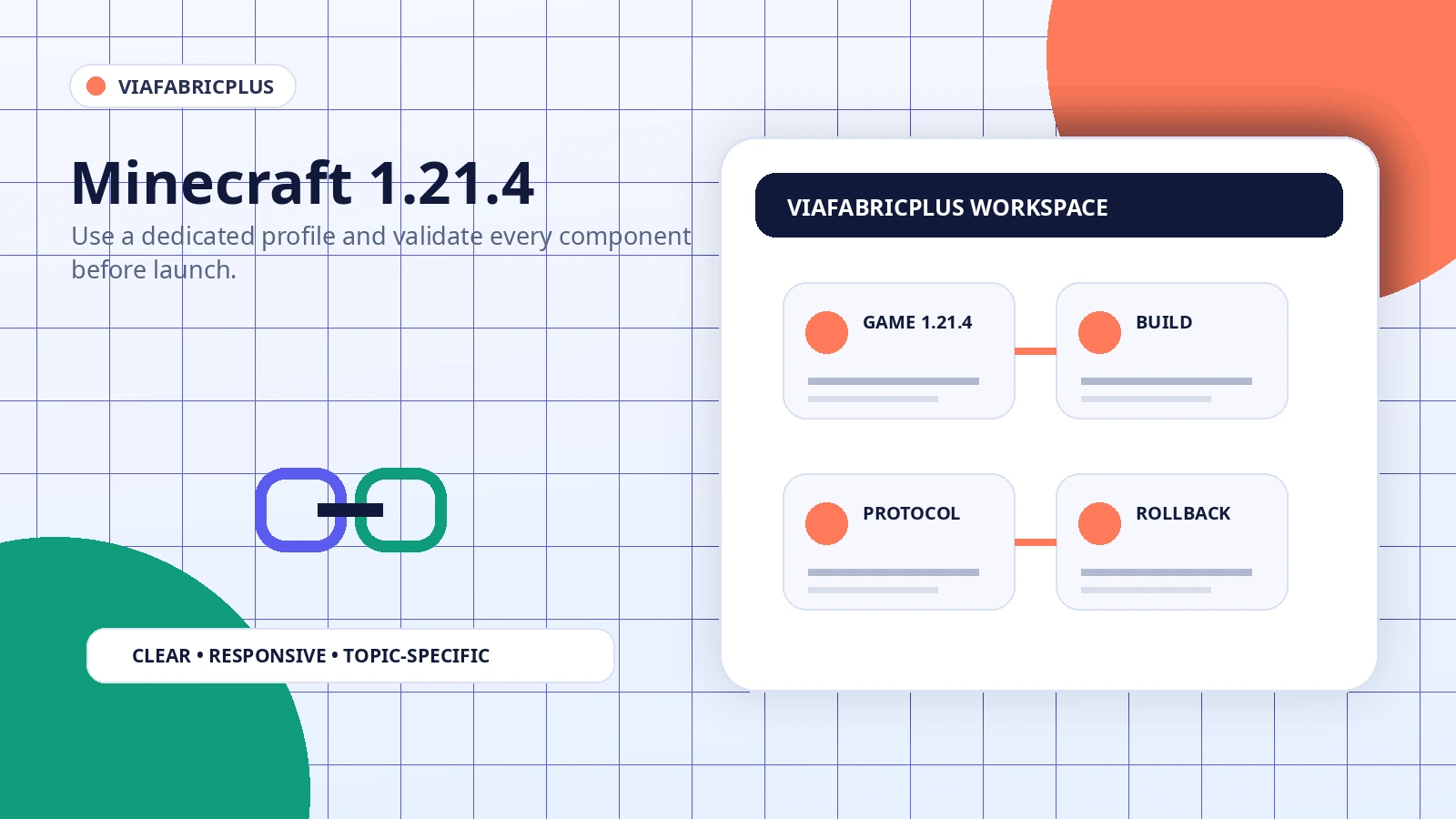
Newer Minecraft branches can introduce loader, dependency, and interface changes. A 1.21.4 setup should therefore be treated as its own profile with its own tested files rather than as a direct copy of an older installation.
Create a dedicated 1.21.4 instance
Use a separate game directory when possible. This prevents older mods, cached configuration, and incompatible dependencies from being loaded into the new profile.
Match every required component
Confirm the game version, Fabric Loader, required libraries, and the ViaFabricPlus build. One mismatched component can stop the profile before the main menu appears.
Test the interface before joining
After launch, confirm that the expected protocol controls are present. Missing controls can indicate that the mod did not load or another mod replaced the same interface.
Use rollback-friendly updates
Keep a copy of the last working profile and replace files rather than stacking new versions beside old ones. Roll back immediately when a change introduces startup or connection problems.
Separate protocol limits from mod errors
A working profile may still fail on a particular server. Custom packets, authentication, anti-cheat behavior, and unsupported features can remain server-specific limitations.