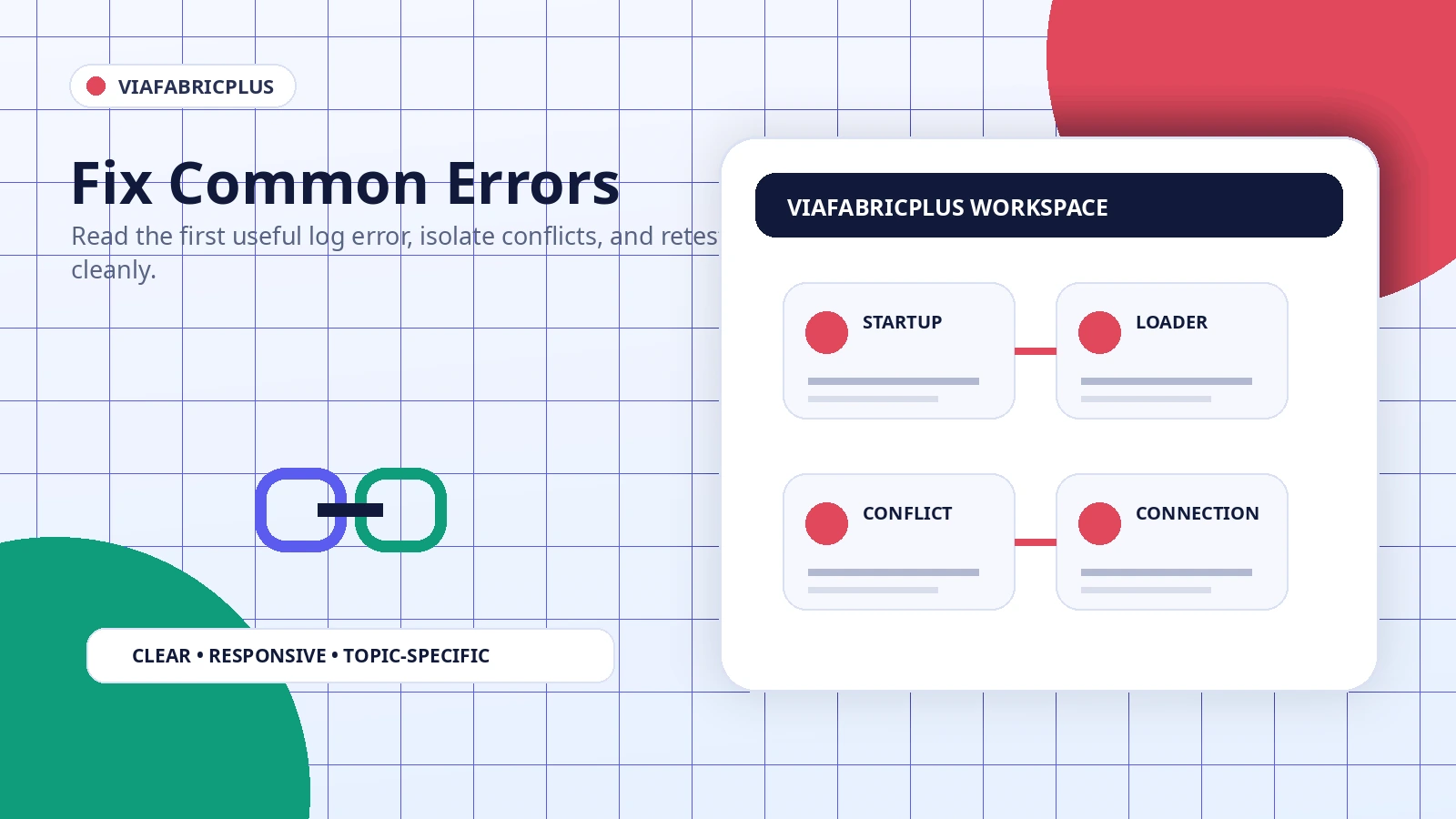
The fastest repair method is not repeated reinstallation. Start with the first meaningful error, reduce the profile to a minimal state, and determine whether the failure occurs during loading, interface setup, or server connection.
Game fails before the main menu
Check the latest log for a version mismatch, missing dependency, duplicate mod, or unsupported loader. Remove only the most recent change and launch again.
The mod appears missing
Confirm that the file is a compiled mod rather than a source ZIP, that it is inside the active profile mods folder, and that the profile actually uses Fabric.
Protocol controls do not appear
Another interface mod may conflict, or the selected build may target a different game version. Test ViaFabricPlus with required dependencies only.
A server rejects the connection
Verify the selected protocol and test another server. Authentication, server plugins, anti-cheat rules, custom packets, or unsupported features can cause server-specific rejection.
The problem started after an update
Remove the new file completely, restore the last working version, and ensure both versions are not present together. Keep a copy of the failing log for comparison.